Home · On camera
On camera
Sound first. Then light. Then the camera.
A call, a lesson, or a short recording fails in that order. The laptop camera is fine once your face is lit and the mic is close. Updated October 4, 2026. Disclosure.
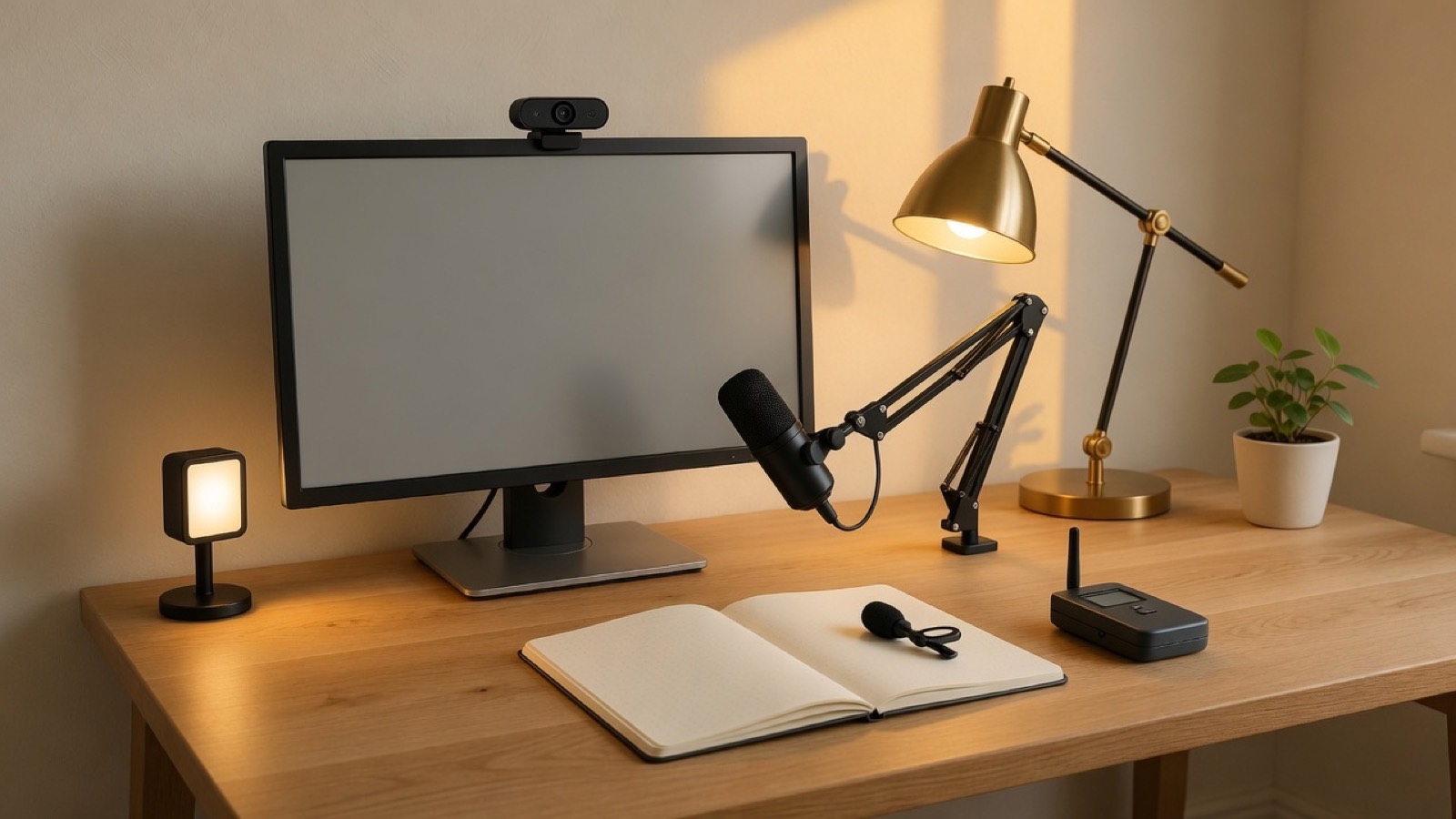
Microphone
Cardioid, USB, on the desk
Cardioid means it listens in front and shrugs at the room behind it. That is the right pattern for one person. USB means you skip an audio interface until you have a reason for XLR.
- Check that the listing shows a desk stand or a thread for a boom. A mic in a drawer is the laptop mic again.
- Record ten seconds on your own computer before you trust reviews. Plosives and fan noise are personal.
- Skip an omnidirectional conference puck if you are the only voice.
Shop USB microphones
Boom
Get the mic off the desk without getting it out of reach
A boom keeps the mic near your mouth and out of the shot. It also stops desk thumps from becoming the soundtrack.
- Check the weight rating against the mic, and the clamp against the desk.
- A shock mount matters if you type while you talk.
- Skip a boom that cannot hold still. Sag is the whole complaint.
Shop boom arms
Lapel
A wireless mic for when you stand up
Desk mics lose you the moment you walk to a whiteboard or a bench. A small wireless transmitter on a collar or a shirt placket is the second microphone, not the first, unless you are never sitting.
- Check that the receiver is USB-C or a dongle your computer actually has, and that the battery life covers your longest session.
- Check the wind foam. Bare capsules rustle on cloth.
- Skip a system that needs a camera you do not own if the computer is the recorder.
Shop lapel microphones
Light
A key light in front, slightly high
Place it behind the screen or just beside it, aimed at your face, a little above your eyes. Fill from the room can stay dim. You are not building a studio. You are stopping the ceiling from drawing raccoon eyes.
- Check dimming and a color you can set and forget. Daylight looks honest on a call.
- A desk lamp from the desk page can be this light if it reaches your face.
- Skip a ring light as the only source if you dislike the ring in your pupils. Some people do not mind. Look at a photo of yourself before you decide.
Shop key lights
Webcam
1080p is enough after the light is right
Buy the webcam last. A bright face on the laptop camera beats a dark face on a 4K brick. When you do upgrade, look for a lens you can tilt, a mount that fits the monitor you own, and software that does not demand an account to change exposure.
- Check 1080p at 30 frames as the floor. 4K is for cropping, not for looking expensive.
- Check the shutter or a lens cover if the camera faces a private room.
- Skip a camera that only focuses past six feet if you sit at a desk.
Shop webcams
Behind you
A wall you control
A plant, a shelf, or a plain wall beats a gadget backdrop. If the real room is a problem, a collapsible panel is a physical object with a job: cover the mess in frame and nowhere else.
- Check width against the camera’s view at your sitting distance. A narrow screen shows the mess on both sides.
- Skip a green screen unless you will actually replace the background. Wrinkles photograph as wrinkles.
Shop backdrop stands